Convert an object to YAML with yaml
stringify() writes JavaScript values out as YAML, for example to generate a config file from data in your app.
How it works
- Call stringify.
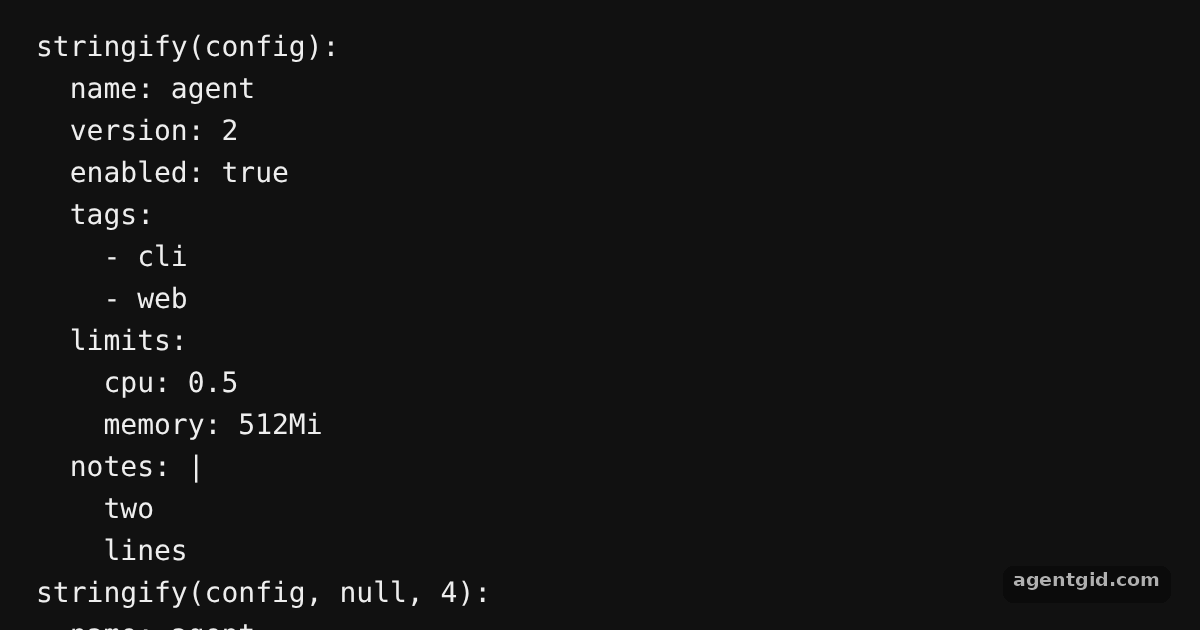
stringify(value)returns a YAML string. The code passes an object with nested objects, an array and a multi-line string, then prints the result line by line. [1] - Set the indent. Like
JSON.stringify, a number in the options position sets the indent. The second print usesstringify(config, null, 4). [2] - Trailing newline. The code checks that the output ends with a newline, which the docs promise for every result. [2]
Run and edit it
It runs in your browser, in a sandboxed frame that cannot see this site; the packages load from esm.sh only after you press Run.
import { stringify } from 'yaml'

const config = {
  name: 'agent',
  version: 2,
  enabled: true,
  tags: ['cli', 'web'],
  limits: { cpu: 0.5, memory: '512Mi' },
  notes: 'two\nlines\n',
}

const show = (label, text) => {
  console.log(label)
  text.trimEnd().split('\n').forEach((line) => console.log('  ' + line))
}

const out = stringify(config)
show('stringify(config):', out)

show('stringify(config, null, 4):', stringify(config, null, 4))

console.log('ends with newline:', out.endsWith('\n'))
console.log('array only:', JSON.stringify(stringify(['a', 'b'])))
Add a nested array of objects to config and watch how stringify lays it out. Code written by AgentGid [1].
Add a nested array of objects to config and watch how stringify lays it out. Code written by AgentGid [1].Checked Oct 12, 2026: it starts without errors in Chromium with yaml 2.9.1. Needs WebGL.
More yaml examples
Parse YAML in JavaScript with yaml Parse options and schemas in yaml Multi-document YAML with yaml Edit YAML without losing comments
Sources
Explanations written by AgentGid from the official docs; the numbers in brackets point here. The code marked "written by AgentGid" is ours and free to copy.