Looping animations in tw-animate-css
The repeat and direction classes turn a one-time enter animation into a loop. Alternating the direction makes the animation play forward and then backward.
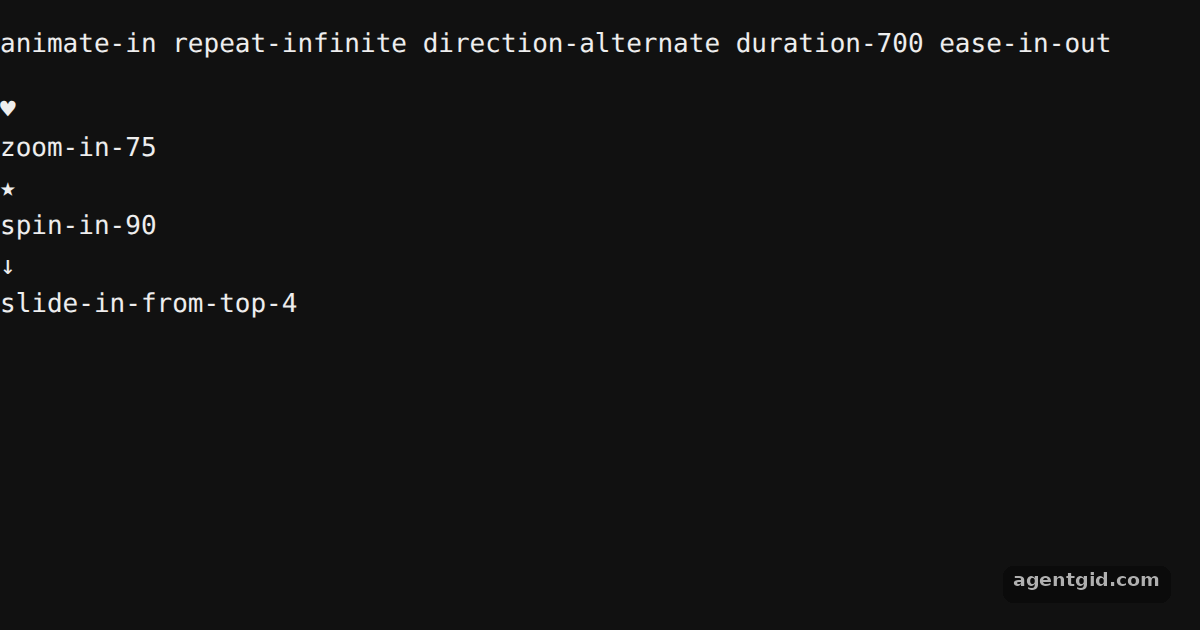
How it works
- Repeat forever.
repeat-infinitesets the iteration count toinfinite, so each animation keeps running. A number such asrepeat-3would also work. [1] - Alternate the direction.
direction-alternatemakes every second cycle run in reverse. The heart useszoom-in-75, the starspin-in-90and the arrowslide-in-from-top-4. [1] - Pass values to the effects. The number after an effect sets its amount: a percentage for zoom and slide, degrees for spin. All three still need
animate-in. [1]
Run and edit it
It runs in your browser, in a sandboxed frame that cannot see this site; the packages load from esm.sh only after you press Run.
// Shared loop settings for every icon
const loop = 'animate-in repeat-infinite direction-alternate duration-700 ease-in-out';

const icons = [
  { symbol: '♥', label: 'zoom-in-75', cls: 'zoom-in-75 text-rose-500' },
  { symbol: '★', label: 'spin-in-90', cls: 'spin-in-90 text-amber-500' },
  { symbol: '↓', label: 'slide-in-from-top-4', cls: 'slide-in-from-top-4 text-sky-500' },
];

export default function App() {
  return (
    <div className='flex h-[380px] flex-col items-center justify-center gap-8 bg-slate-900'>
      <p className='font-mono text-sm text-slate-300'>{loop}</p>
      <div className='flex gap-10'>
        {icons.map((icon) => (
          <div key={icon.label} className='flex flex-col items-center gap-3'>
            <div className='flex h-24 w-24 items-center justify-center rounded-2xl bg-slate-800'>
              <span className={`${loop} ${icon.cls} text-5xl`}>{icon.symbol}</span>
            </div>
            <span className='font-mono text-xs text-slate-400'>{icon.label}</span>
          </div>
        ))}
      </div>
    </div>
  );
}
All three loops use the same repeat and direction classes with different enter effects. Code written by AgentGid [1].
All three loops use the same repeat and direction classes with different enter effects. Code written by AgentGid [1].Checked Oct 17, 2026: it starts without errors in Chromium with tw-animate-css 1.4.0, react 19.3.1, react-dom 19.3.1, tailwindcss 4.3.3. Needs WebGL.
More tw-animate-css examples
Exit animations with data-state in tw-animate-css Slide-in animations in tw-animate-css Staggered delays in tw-animate-css Enter animations in tw-animate-css
Sources
Explanations written by AgentGid from the official docs; the numbers in brackets point here. The code marked "written by AgentGid" is ours and free to copy.