tw-animate-css Examples You Can Edit and Run
5 small tw-animate-css examples written by AgentGid from the official docs, one feature each. Every one runs in your browser: change the code and see the result at once, or describe a change and let AI rewrite it. The screenshots are taken from the same code by our server, which also checks that each example starts without errors.
tw-animate-css: usage and stats 565 AI-built projects use it
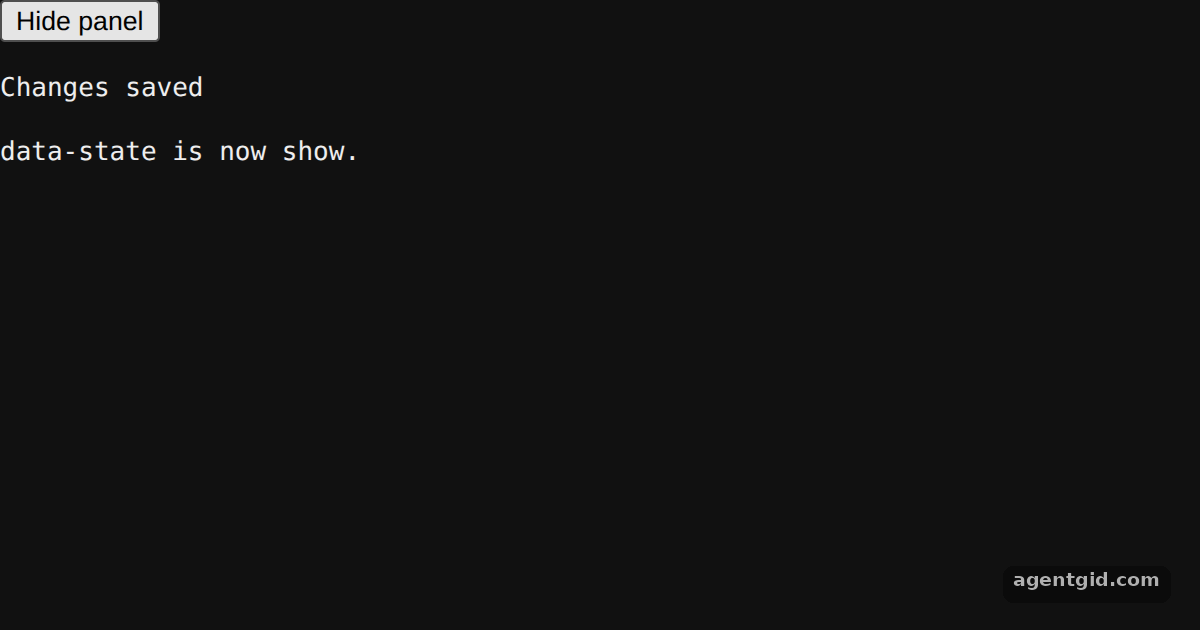 Exit animations with data-state in tw-animate-cssPress the button to switch data-state between show and hide.
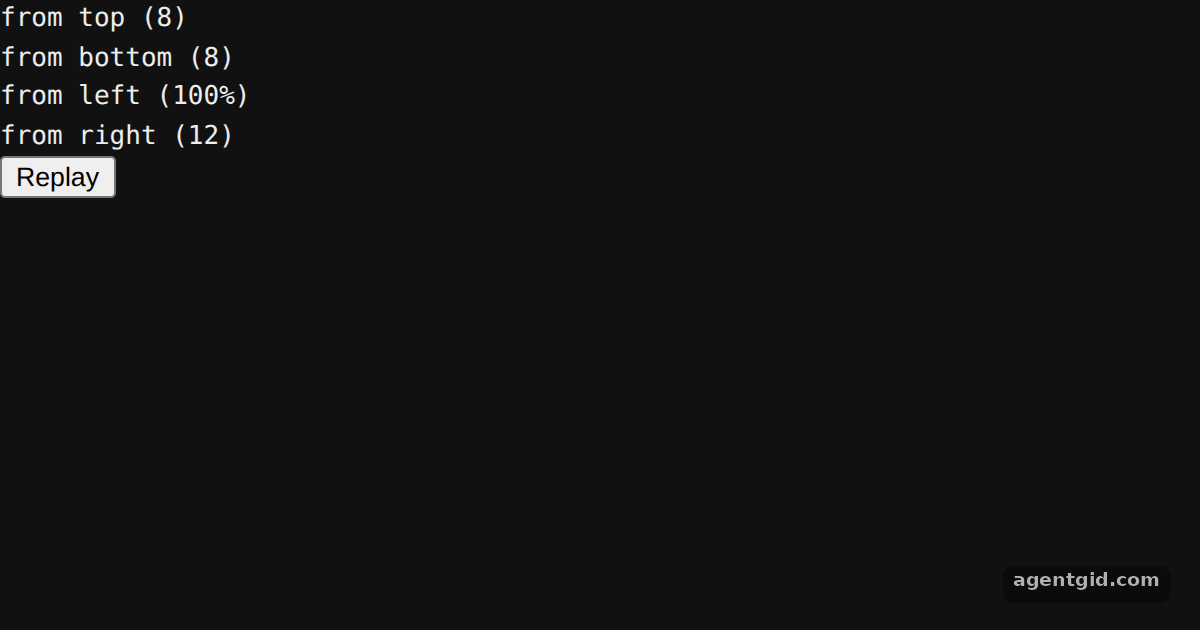 Slide-in animations in tw-animate-cssEach tile slides from a different side; press Replay to see them again.
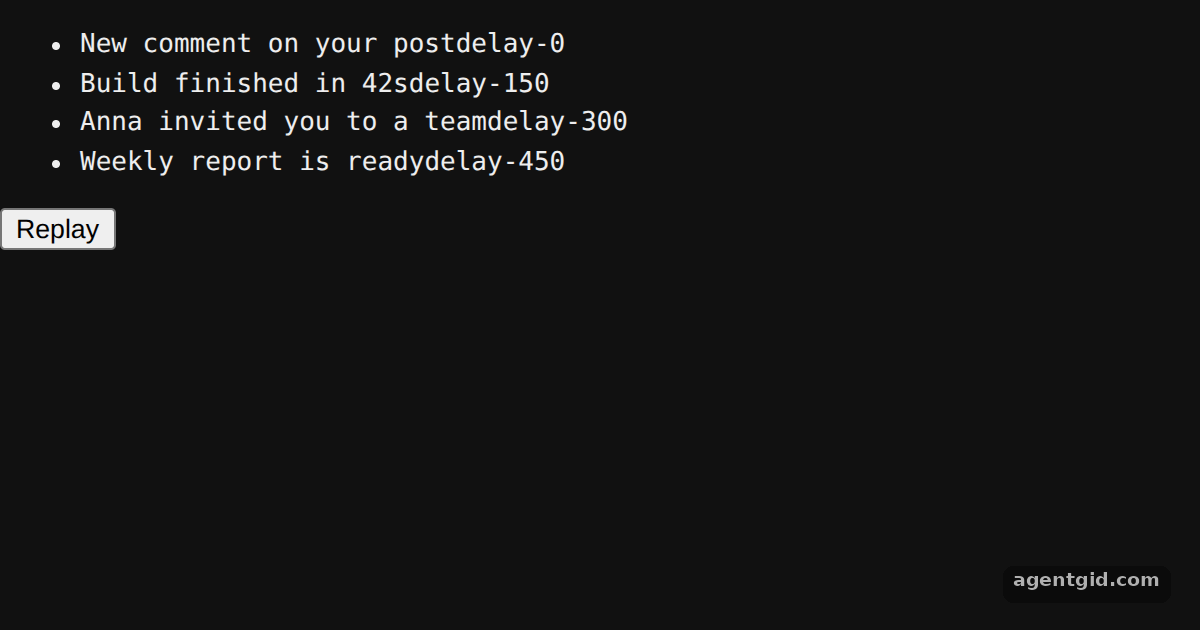 Staggered delays in tw-animate-cssPress Replay to watch the four items enter one after another.
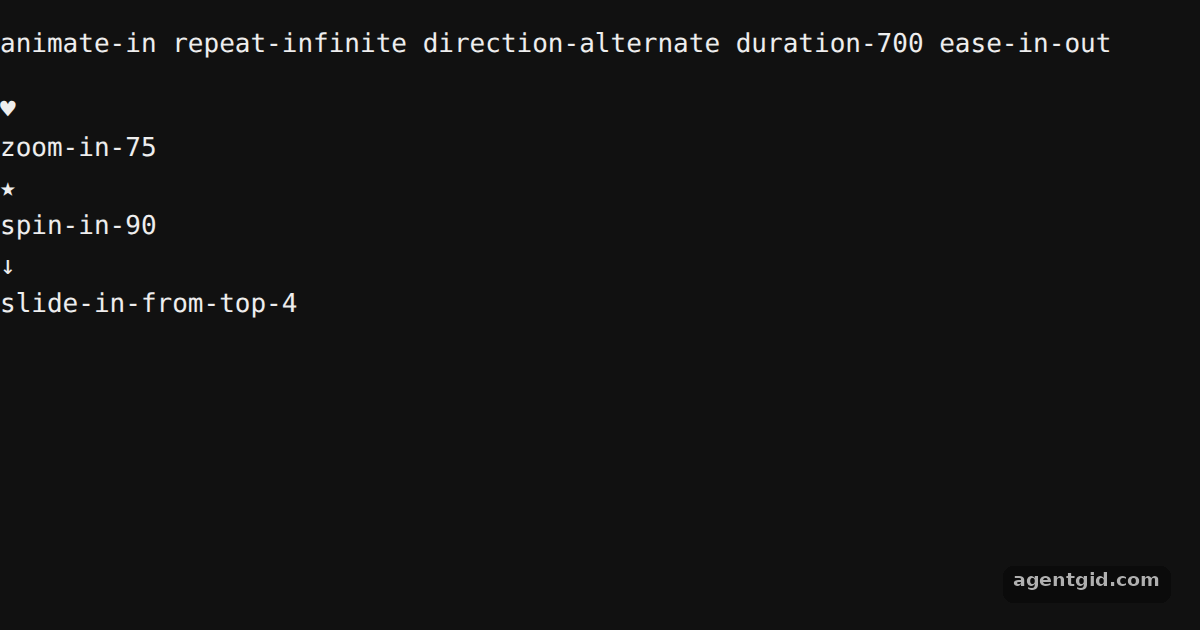 Looping animations in tw-animate-cssAll three loops use the same repeat and direction classes with different enter effects.
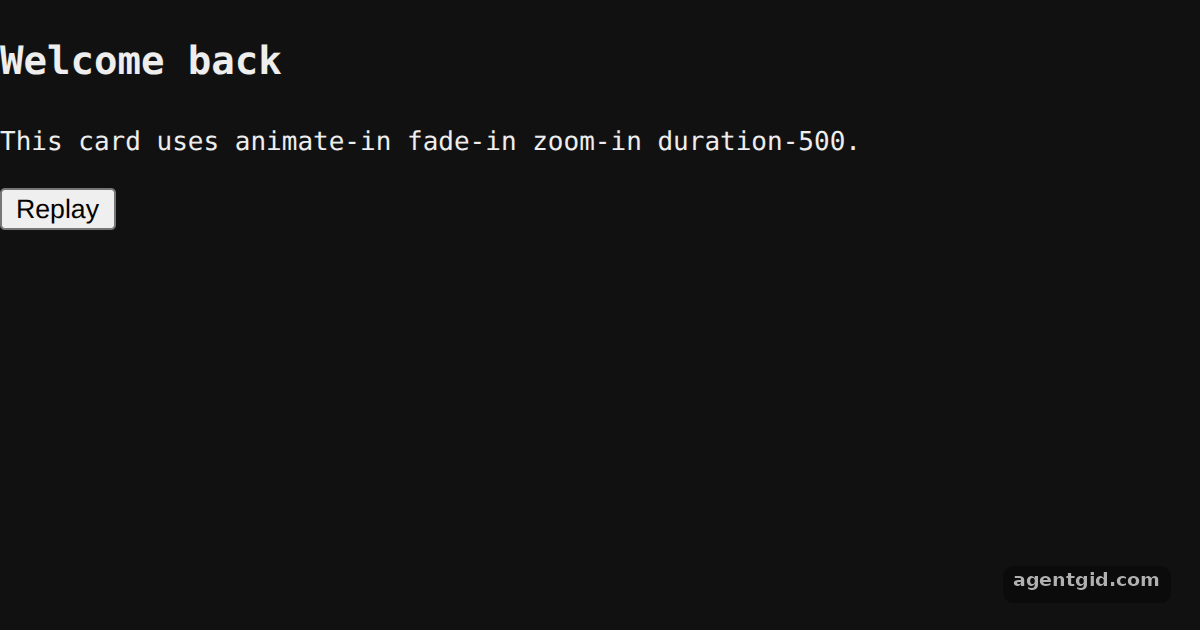 Enter animations in tw-animate-cssClick Replay to mount the card again and watch the entrance.
Try them all in one place
import { useState } from 'react';

export default function App() {
  const [show, setShow] = useState(true);

  return (
    <div className='flex h-[380px] flex-col items-center justify-center gap-6 bg-slate-100'>
      <button
        onClick={() => setShow(!show)}
        className='rounded-md bg-slate-900 px-4 py-2 text-sm font-medium text-white'
      >
        {show ? 'Hide panel' : 'Show panel'}
      </button>
      {/* data-state picks animate-in or animate-out */}
      <div
        data-state={show ? 'show' : 'hide'}
        className='data-[state=show]:animate-in data-[state=hide]:animate-out fade-in slide-in-from-top-8 fade-out slide-out-to-top-8 duration-500 fill-mode-forwards w-80 rounded-xl bg-white p-5 shadow-lg'
      >
        <p className='font-semibold text-slate-800'>Changes saved</p>
        <p className='mt-1 text-sm text-slate-500'>
          data-state is now <code className='font-mono'>{show ? 'show' : 'hide'}</code>.
        </p>
      </div>
    </div>
  );
}
Press the button to switch data-state between show and hide. Code written by AgentGid [1]. How it works, with a screenshot →
Press the button to switch data-state between show and hide. Code written by AgentGid [1]. How it works, with a screenshot →Each tile slides from a different side; press Replay to see them again. Code written by AgentGid [1]. How it works, with a screenshot →Press Replay to watch the four items enter one after another. Code written by AgentGid [1]. How it works, with a screenshot →All three loops use the same repeat and direction classes with different enter effects. Code written by AgentGid [1]. How it works, with a screenshot →Click Replay to mount the card again and watch the entrance. Code written by AgentGid [1]. How it works, with a screenshot →Checked Oct 17, 2026: each example starts without errors in Chromium with tw-animate-css 1.4.0, react 19.3.1, react-dom 19.3.1, tailwindcss 4.3.3. Needs WebGL.
Sources
Explanations written by AgentGid from the official docs; the numbers in brackets point here. The code marked "written by AgentGid" is ours and free to copy.