React Hook Form Examples You Can Edit and Run
5 small React Hook Form examples written by AgentGid from the official docs, one feature each. Every one runs in your browser: change the code and see the result at once, or describe a change and let AI rewrite it. The screenshots are taken from the same code by our server, which also checks that each example starts without errors.
React Hook Form: usage and stats 568 AI-built projects use it
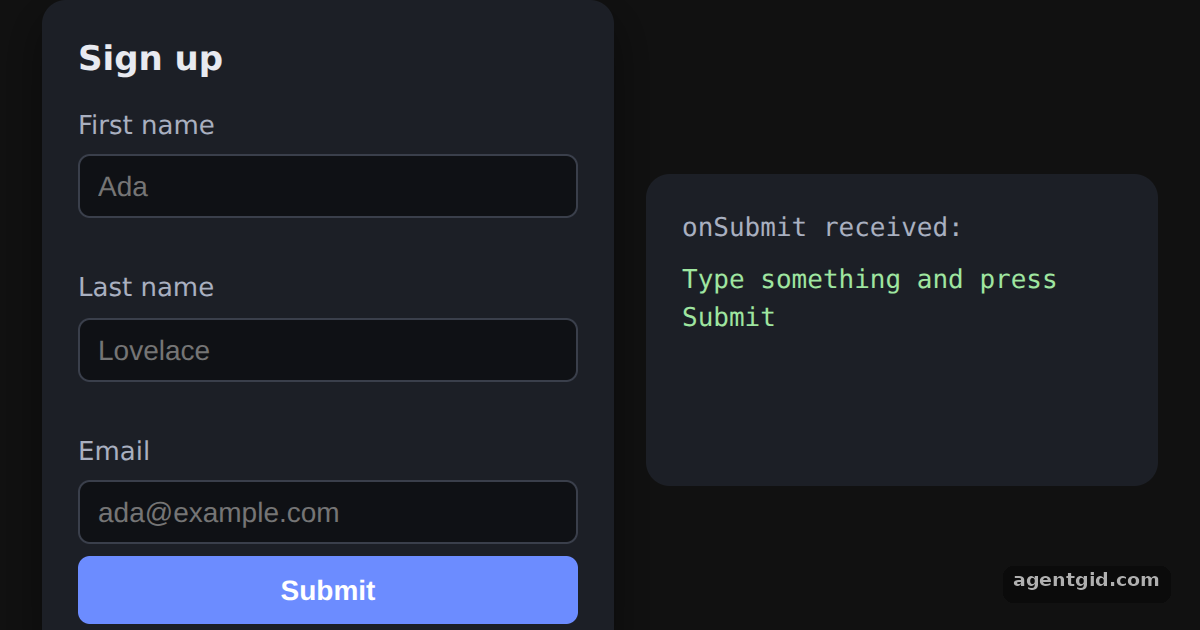 useForm, register and handleSubmit in React Hook FormType into the fields and press Submit: the right panel shows the object your onSubmit callback received.
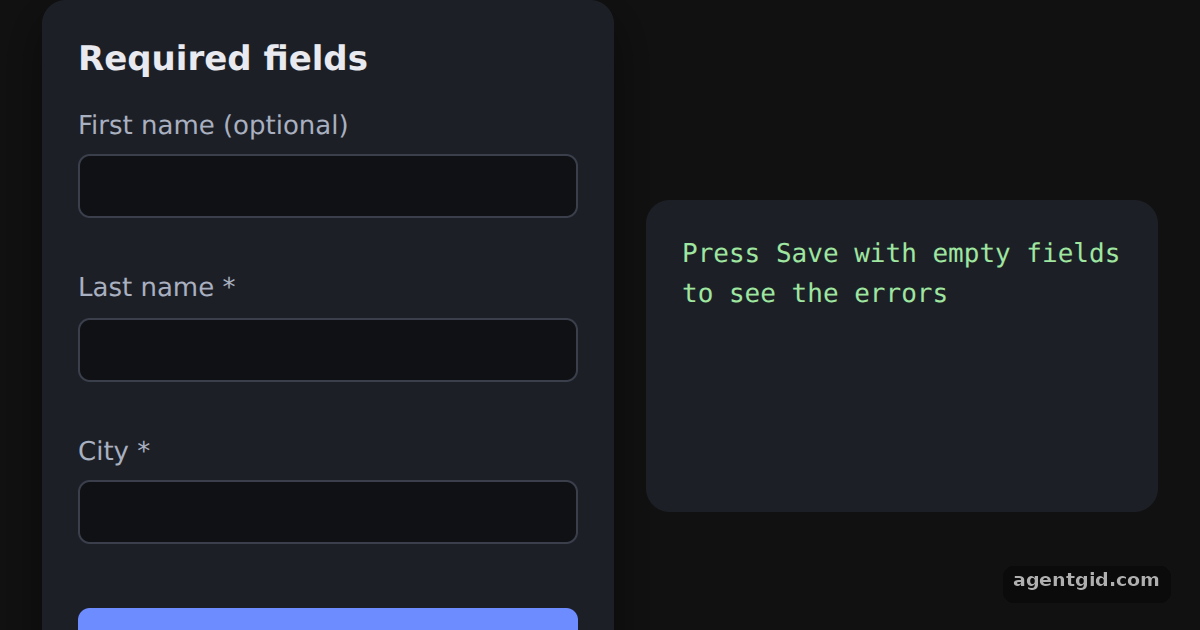 Required fields in React Hook FormPress Save with the starred fields empty to see both messages, then fill them in and save again.
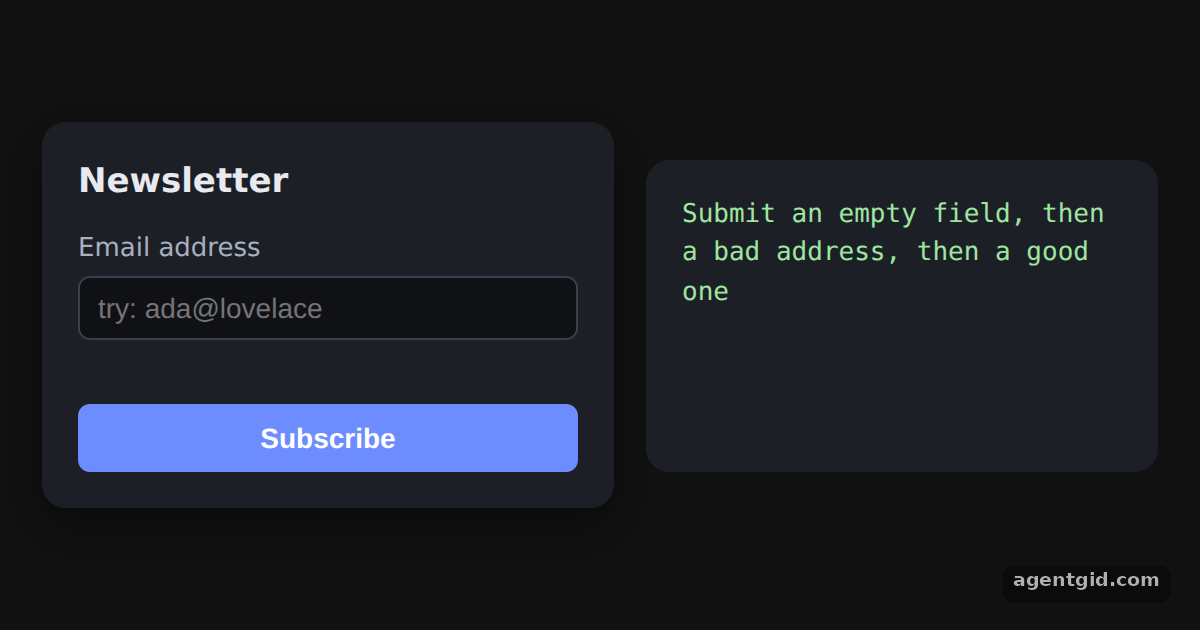 Email validation with pattern in React Hook FormSubmit an empty field, then something like ada@lovelace, then a full address to see each state.
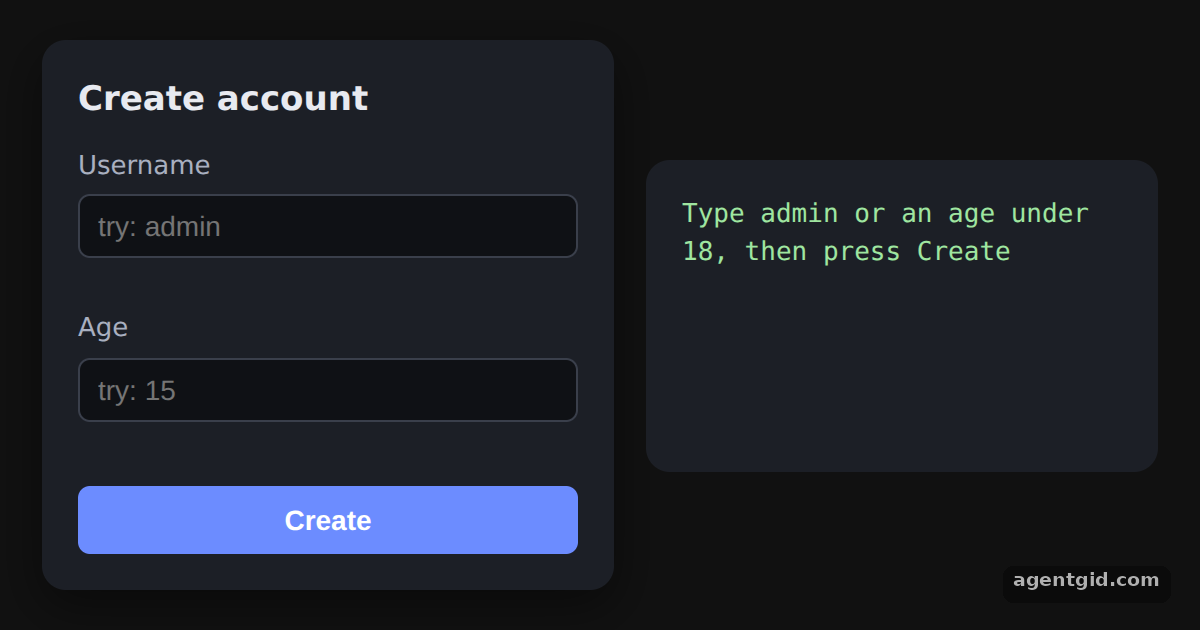 Custom validation with validate in React Hook FormType admin as the username or an age under 18 and press Create to see the custom messages.
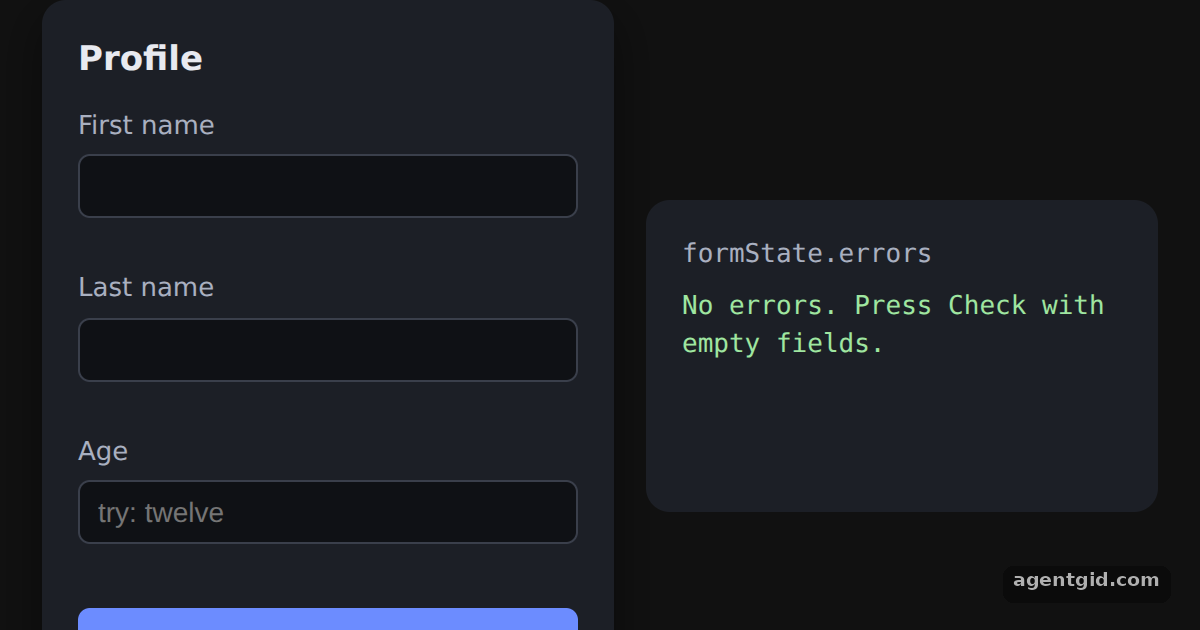 Showing formState errors in React Hook FormPress Check with empty fields, then type a word into Age: the summary on the right lists each failing field and its message.
Try them all in one place
import { useState } from "react";
import { useForm } from "react-hook-form";

const S = {
  page: { minHeight: "100vh", display: "flex", alignItems: "center", justifyContent: "center", gap: 16, background: "#111", color: "#e8eaf0", fontFamily: "system-ui, sans-serif" },
  card: { background: "#1c1f26", padding: 18, borderRadius: 12, width: 250, boxShadow: "0 8px 24px rgba(0,0,0,.45)" },
  h: { margin: "0 0 10px", fontSize: 17 },
  label: { display: "block", fontSize: 13, color: "#a9b0c0" },
  input: { display: "block", width: "100%", boxSizing: "border-box", padding: "7px 9px", marginTop: 4, borderRadius: 6, border: "1px solid #3a3f4b", background: "#0f1115", color: "#e8eaf0", fontSize: 14 },
  err: { color: "#ff7b7b", fontSize: 12, margin: "3px 0 8px", minHeight: 15 },
  btn: { marginTop: 6, width: "100%", padding: "9px 0", border: 0, borderRadius: 6, background: "#6c8cff", color: "#fff", fontWeight: 600, fontSize: 14, cursor: "pointer" },
  out: { background: "#1c1f26", padding: 18, borderRadius: 12, width: 220, minHeight: 120, fontFamily: "ui-monospace, monospace", fontSize: 13, whiteSpace: "pre-wrap", color: "#9fe6a0" },
};

export default function App() {
  const { register, handleSubmit } = useForm();
  const [submitted, setSubmitted] = useState(null);

  // handleSubmit passes the collected values to this callback
  const onSubmit = (data) => setSubmitted(data);

  return (
    <div style={S.page}>
      <form onSubmit={handleSubmit(onSubmit)} style={S.card}>
        <h3 style={S.h}>Sign up</h3>
        <label style={S.label}>First name
          <input {...register("firstName")} placeholder="Ada" style={S.input} />
        </label>
        <div style={S.err} />
        <label style={S.label}>Last name
          <input {...register("lastName")} placeholder="Lovelace" style={S.input} />
        </label>
        <div style={S.err} />
        <label style={S.label}>Email
          <input type="email" {...register("email")} placeholder="ada@example.com" style={S.input} />
        </label>
        <button type="submit" style={S.btn}>Submit</button>
      </form>
      <div style={S.out}>
        <div style={{ color: "#a9b0c0", marginBottom: 6 }}>onSubmit received:</div>
        {submitted ? JSON.stringify(submitted, null, 2) : "Type something and press Submit"}
      </div>
    </div>
  );
}
Type into the fields and press Submit: the right panel shows the object your onSubmit callback received. Code written by AgentGid [1]. How it works, with a screenshot →
Type into the fields and press Submit: the right panel shows the object your onSubmit callback received. Code written by AgentGid [1]. How it works, with a screenshot →Press Save with the starred fields empty to see both messages, then fill them in and save again. Code written by AgentGid [1]. How it works, with a screenshot →Submit an empty field, then something like ada@lovelace, then a full address to see each state. Code written by AgentGid [2]. How it works, with a screenshot →Type admin as the username or an age under 18 and press Create to see the custom messages. Code written by AgentGid [2]. How it works, with a screenshot →Press Check with empty fields, then type a word into Age: the summary on the right lists each failing field and its message. Code written by AgentGid [1]. How it works, with a screenshot →Checked Oct 12, 2026: each example starts without errors in Chromium with react-hook-form 7.90.0, react 19.3.0, react-dom 19.3.0. Needs WebGL.
Sources
Explanations written by AgentGid from the official docs; the numbers in brackets point here. The code marked "written by AgentGid" is ours and free to copy.