Format a date as yyyy-MM-dd in date-fns
The format function turns a native JavaScript Date into a text string that follows a pattern such as yyyy-MM-dd. This example formats a few fixed dates and today's date.
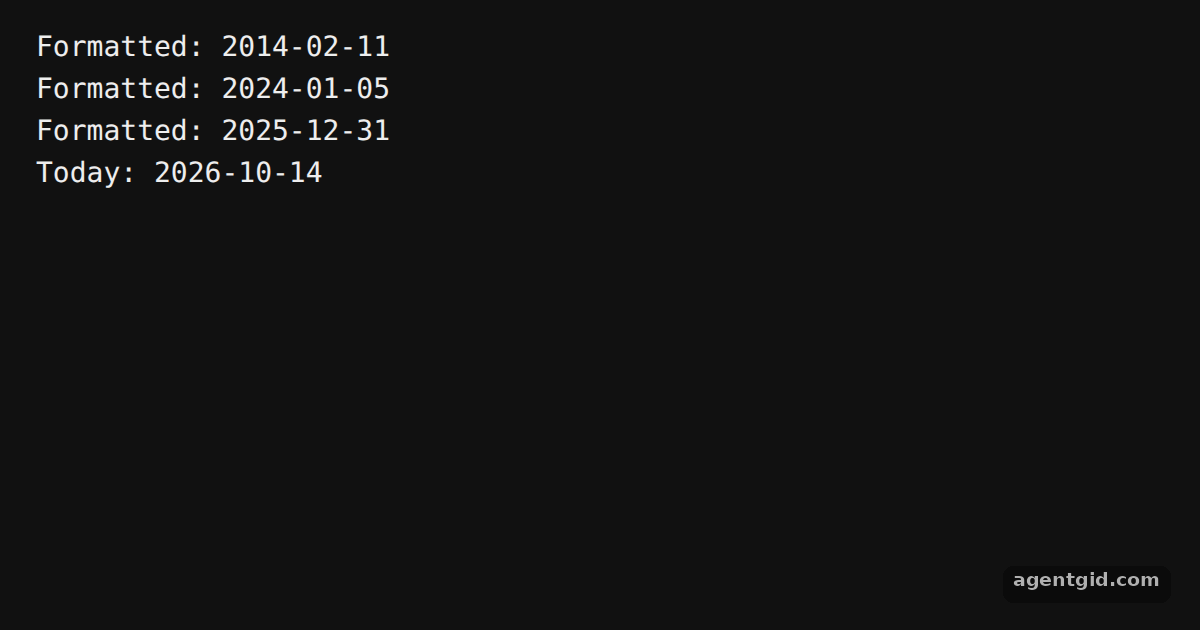
How it works
- Import format. The code imports
formatfrom thedate-fnspackage. It takes a Date and a pattern string. [1] - Pass native Date objects. The dates are plain
new Date(...)values. Innew Date()the month number starts at 0, so1is February. [1] - Print the results. Each date is formatted with
"yyyy-MM-dd"and printed with a label. The last line formats the current date. [1]
Run and edit it
It runs in your browser, in a sandboxed frame that cannot see this site; the packages load from esm.sh only after you press Run.
import { format } from "date-fns";

// Months in new Date() start at 0, so 1 is February
const dates = [
  new Date(2014, 1, 11),
  new Date(2024, 0, 5),
  new Date(2025, 11, 31),
];

for (const d of dates) {
  console.log("Formatted:", format(d, "yyyy-MM-dd"));
}

console.log("Today:", format(new Date(), "yyyy-MM-dd"));
Change the numbers in new Date() to see different formatted dates. Code written by AgentGid [1].
Change the numbers in new Date() to see different formatted dates. Code written by AgentGid [1].Checked Oct 14, 2026: it starts without errors in Chromium with date-fns 4.4.0. Needs WebGL.
More date-fns examples
Sort objects by a date field in date-fns Sort dates oldest first in date-fns Sort dates newest first in date-fns Group dates by day in date-fns
Sources
Explanations written by AgentGid from the official docs; the numbers in brackets point here. The code marked "written by AgentGid" is ours and free to copy.