date-fns Examples You Can Edit and Run
5 small date-fns examples written by AgentGid from the official docs, one feature each. Every one runs in your browser: change the code and see the result at once, or describe a change and let AI rewrite it. The screenshots are taken from the same code by our server, which also checks that each example starts without errors.
date-fns: usage and stats 647 AI-built projects use it
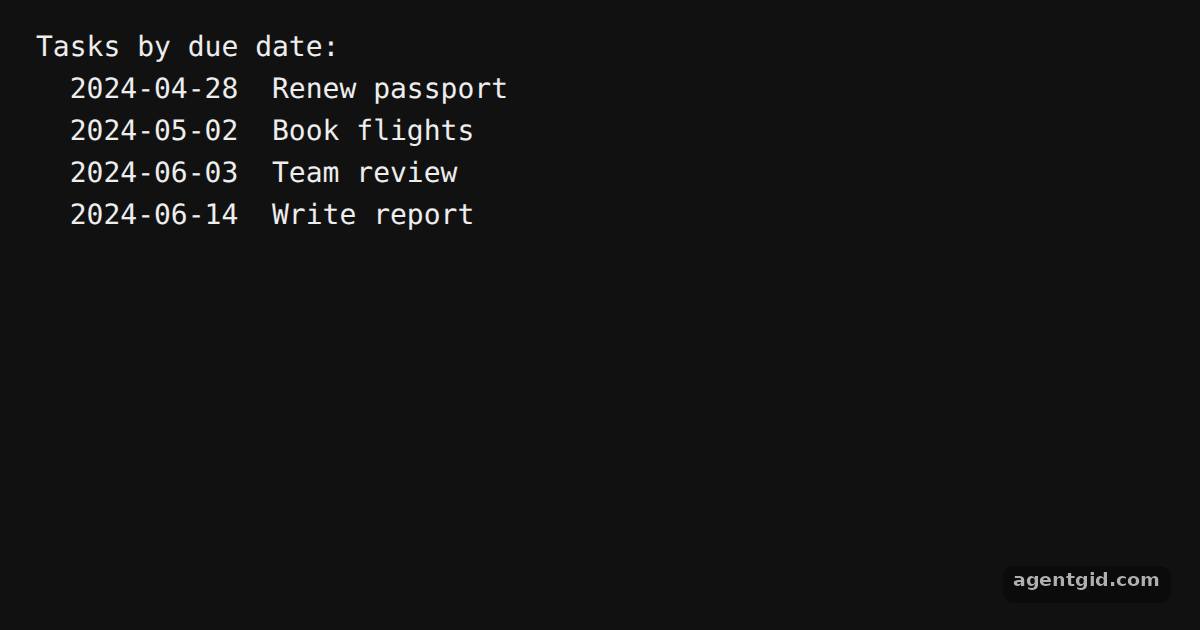 Sort objects by a date field in date-fnsRename the due field or add tasks to try it with your own data.
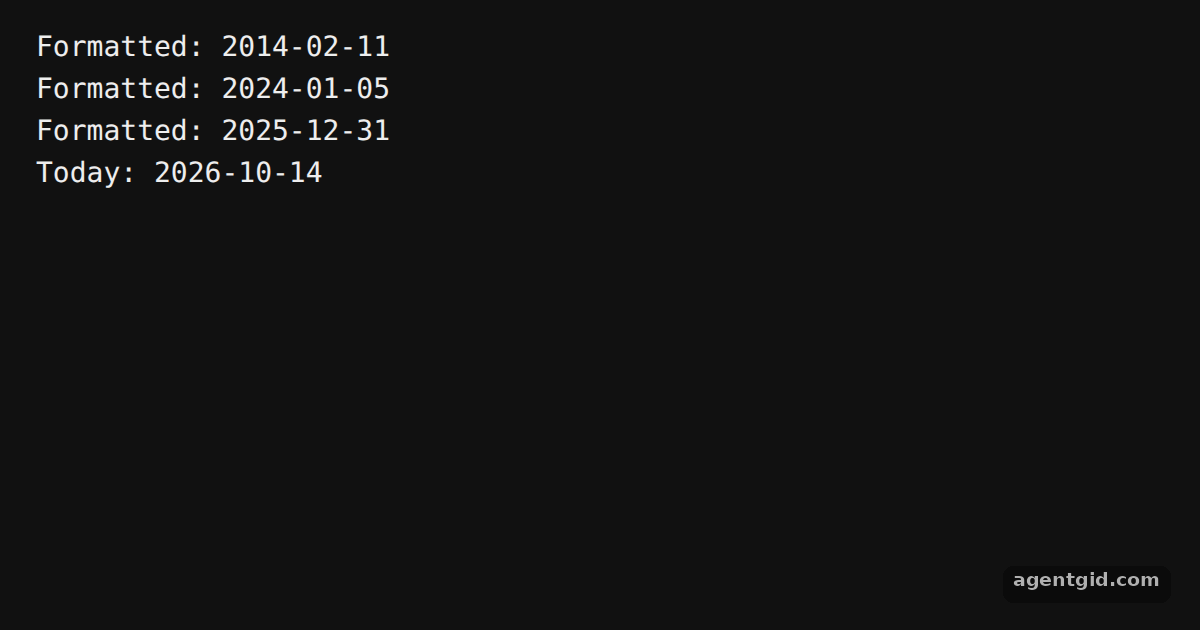 Format a date as yyyy-MM-dd in date-fnsChange the numbers in new Date() to see different formatted dates.
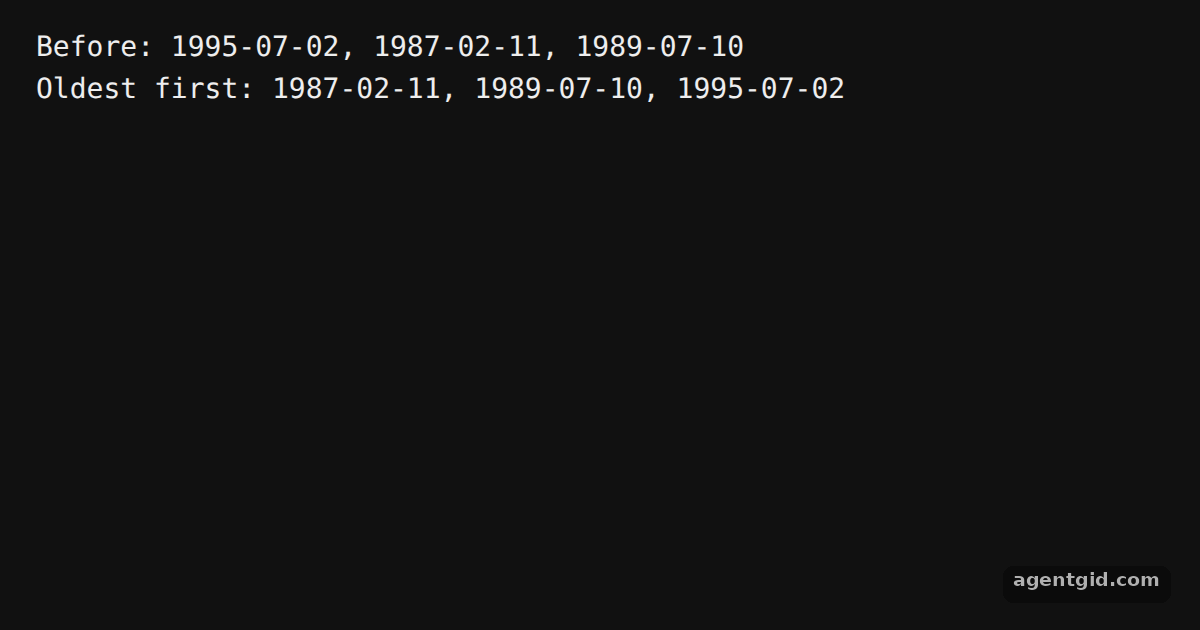 Sort dates oldest first in date-fnsAdd more dates to the array and the sorted list updates on the next run.
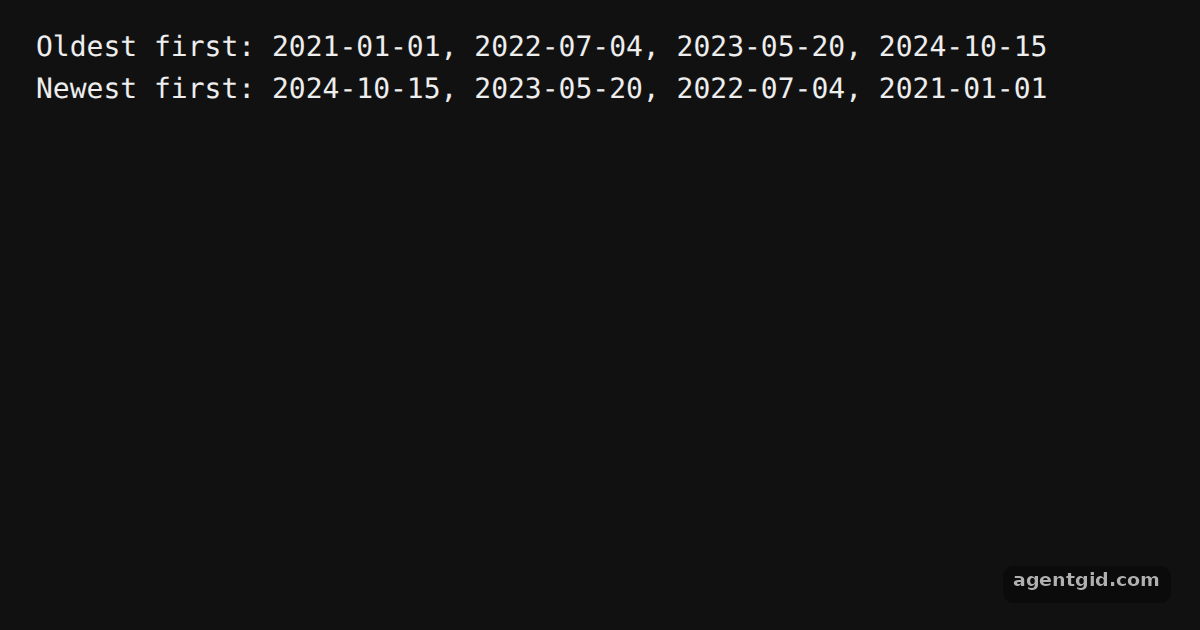 Sort dates newest first in date-fnsBoth lines come from the same array, sorted with different callbacks.
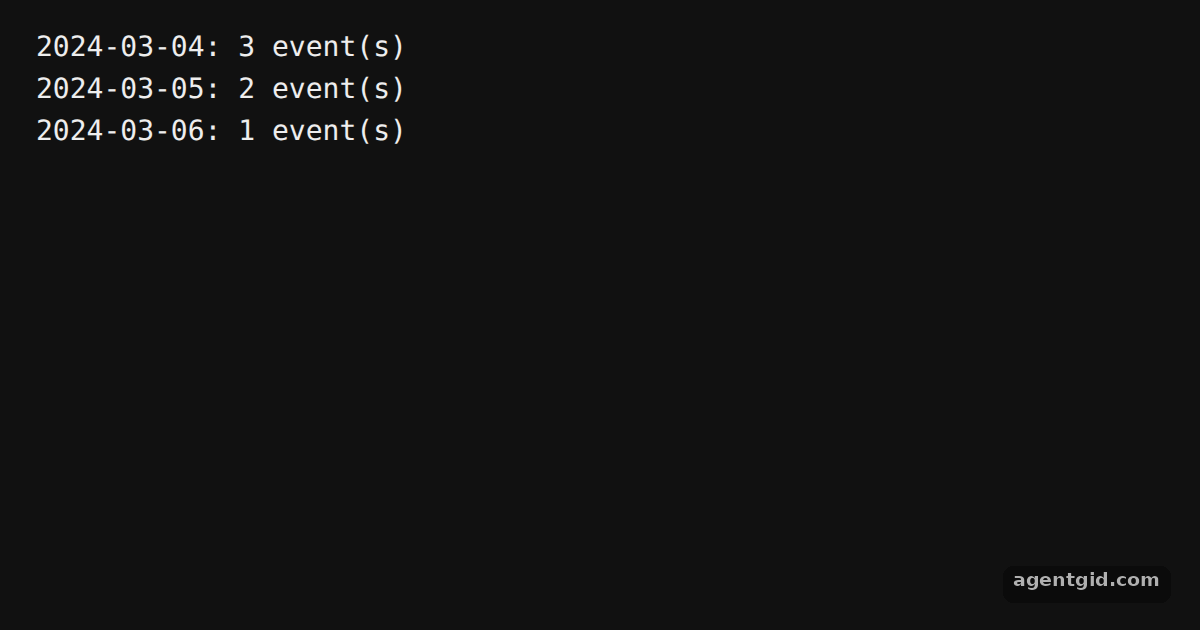 Group dates by day in date-fnsAdd events with different hours on the same day and watch that day's count grow.
Try them all in one place
import { compareAsc, format } from "date-fns";

const tasks = [
  { name: "Write report", due: new Date(2024, 5, 14) },
  { name: "Book flights", due: new Date(2024, 4, 2) },
  { name: "Renew passport", due: new Date(2024, 3, 28) },
  { name: "Team review", due: new Date(2024, 5, 3) },
];

const byDue = [...tasks].sort((a, b) => compareAsc(a.due, b.due));

console.log("Tasks by due date:");
for (const t of byDue) {
  console.log(`  ${format(t.due, "yyyy-MM-dd")}  ${t.name}`);
}
Rename the due field or add tasks to try it with your own data. Code written by AgentGid [1]. How it works, with a screenshot →
Rename the due field or add tasks to try it with your own data. Code written by AgentGid [1]. How it works, with a screenshot →Change the numbers in new Date() to see different formatted dates. Code written by AgentGid [1]. How it works, with a screenshot →Add more dates to the array and the sorted list updates on the next run. Code written by AgentGid [1]. How it works, with a screenshot →Both lines come from the same array, sorted with different callbacks. Code written by AgentGid [1]. How it works, with a screenshot →Add events with different hours on the same day and watch that day's count grow. Code written by AgentGid [1]. How it works, with a screenshot →Checked Oct 14, 2026: each example starts without errors in Chromium with date-fns 4.4.0. Needs WebGL.
Sources
Explanations written by AgentGid from the official docs; the numbers in brackets point here. The code marked "written by AgentGid" is ours and free to copy.