Parse YAML with js-yaml load()
load() reads YAML text and returns JavaScript data, which is the usual first step when an app reads a YAML config file.
How it works
Run and edit it
It runs in your browser, in a sandboxed frame that cannot see this site; the packages load from esm.sh only after you press Run.
import { load } from 'js-yaml'

const text = `
greeting: hello
version: 3
enabled: true
server:
  host: localhost
  port: 8080
languages:
  - en
  - de
  - ja
`

try {
  const document = load(text)
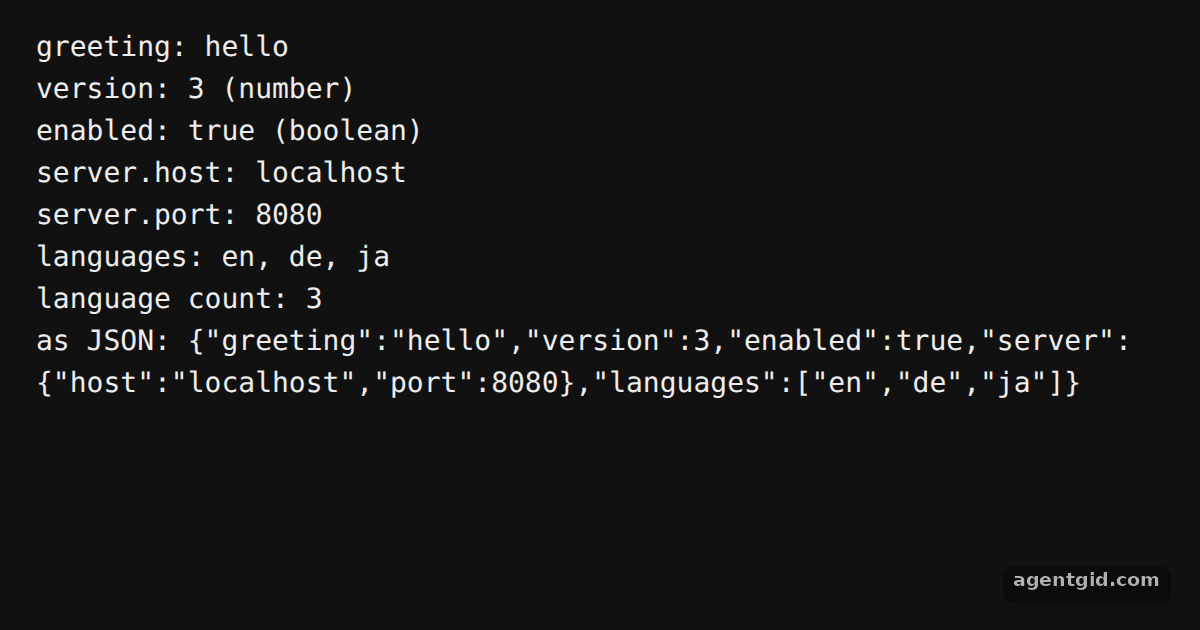
  console.log('greeting:', document.greeting)
  console.log('version:', document.version, '(' + typeof document.version + ')')
  console.log('enabled:', document.enabled, '(' + typeof document.enabled + ')')
  console.log('server.host:', document.server.host)
  console.log('server.port:', document.server.port)
  console.log('languages:', document.languages.join(', '))
  console.log('language count:', document.languages.length)
  console.log('as JSON:', JSON.stringify(document))
} catch (e) {
  console.log('error:', e.message)
}
Add a new key to the YAML text and print it with another console.log line. Code written by AgentGid [1].
Add a new key to the YAML text and print it with another console.log line. Code written by AgentGid [1].Checked Oct 12, 2026: it starts without errors in Chromium with js-yaml 5.4.3. Needs WebGL.
More js-yaml examples
Write YAML with js-yaml dump() Handle YAML parse errors in js-yaml Update a YAML config with js-yaml
Sources
Explanations written by AgentGid from the official docs; the numbers in brackets point here. The code marked "written by AgentGid" is ours and free to copy.